Editor Setup
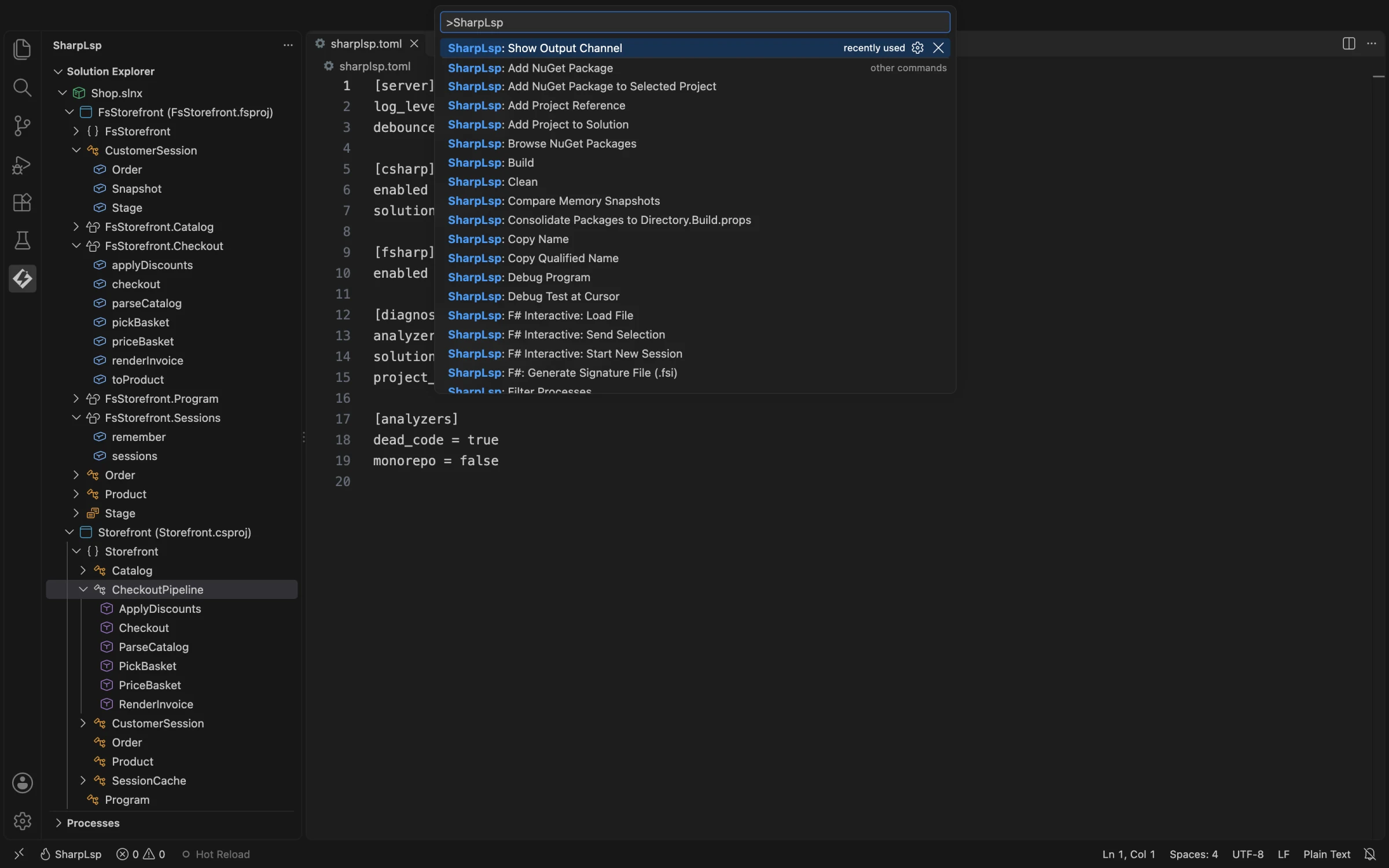
SharpLsp is editor-agnostic at the protocol layer. VS Code and its Open VSX forks are the supported, packaged clients today; a Rider plugin and standalone server archives ship with every release, and the other integrations remain development work.
VS Code
Install SharpLsp from the VS Code Marketplace, or from Open VSX in Cursor, Windsurf, and VSCodium. The VSIX includes the Rust host and the C# and F# sidecars, so no separate SharpLsp installation is needed.
During activation the extension:
- locates a compatible .NET 10 SDK or acquires one through Microsoft's .NET Install Tool;
- resolves the bundled binaries for the current platform;
- starts the language client and sidecars;
- discovers a solution or project in the workspace.
The extension also supplies the Solution Explorer, NuGet browser, profiler, debugger integration, test CodeLens, F# Interactive commands, build commands, and status/output views.
Workspace Trust
In an untrusted workspace, SharpLsp runs only its bundled binaries. Workspace values that could select an executable or inject arguments—such as sharplsp.lspPath, sidecar paths, extra server arguments, FSI arguments, and the debug-adapter path—are ignored until the workspace is trusted.
Custom Development Binaries
In a trusted workspace, the sharplsp.lspPath, sharplsp.csharpSidecarPath, and sharplsp.fsharpSidecarPath settings can point the extension at local development builds. Leave them empty for the bundled release binaries.
Zed
Zed runs SharpLsp through a dev extension from this repository, beside Zed's own C# and F# extensions. SharpLsp in Zed covers installing it, choosing SharpLsp over the other C# and F# servers, settings and troubleshooting.
Other LSP Clients
A generic editor can speak LSP 3.17 to the host over stdio. Every release publishes a standalone server archive per platform with the host and both sidecars side by side, plus a Rider plugin (sharplsp-rider.zip) that launches it. Packaged Neovim, Helix, and Emacs integrations are planned, not current release surfaces.
For repository builds, see Contributing.