Navigation
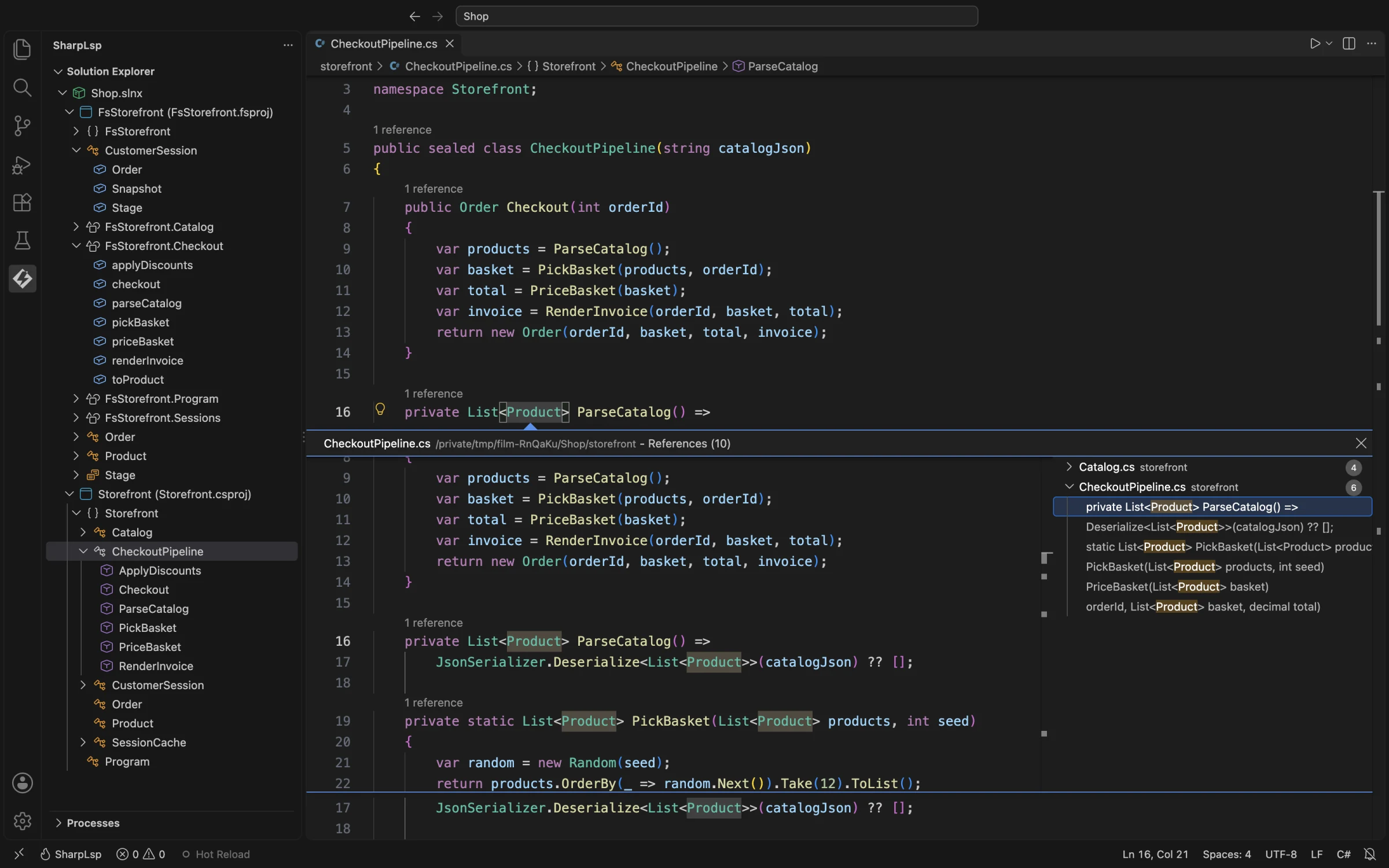
SharpLsp implements the LSP navigation family for both C# and F#. C# queries use Roslyn across the loaded solution; F# queries use FCS across the loaded F# project.
Methods
| LSP method | Result |
|---|---|
textDocument/definition |
The symbol's source declaration |
textDocument/typeDefinition |
The declaration of the symbol's type |
textDocument/declaration |
A base/interface declaration when one is distinct |
textDocument/implementation |
C#: concrete implementations or overrides; F#: currently the selected symbol's declaration |
textDocument/references |
Symbol uses in the loaded solution/project |
textDocument/documentHighlight |
Uses in the current document |
SharpLsp does not contribute navigation keybindings. Your editor's standard LSP bindings apply.
Rename, call hierarchy, and workspace symbols build on the same sidecar symbol information but have their own LSP methods.
Source Scope
- C#: definitions, implementations, references, and rename use the Roslyn solution loaded by
MSBuildWorkspace. - F#: navigation and rename use FCS project checking. References and rename are project-wide within the currently loaded F# project. Implementation lookup is still partial and currently falls back to the selected declaration.
- Unsaved files: both sidecars receive the current editor buffer before queries run.
Multi-project F# state and complete cross-language hierarchy edges are still in progress.
Metadata as Source
When a symbol comes from the BCL or a referenced assembly, both sidecars can use the shared ICSharpCode.Decompiler integration to create a read-only source file and navigate to the relevant declaration. This covers many framework and NuGet symbols for which no source document is loaded.
Failure Behavior
Navigation returns no locations when the position does not resolve to a symbol or the required sidecar is unavailable. Comment and string pre-validation runs on the host's tree-sitter tree and currently recognizes C# comment and string nodes; F# positions go straight to FCS.